Creating and Placing Group in SDK

Need to know
About
Groups in the SDK are useful because you can combine several types of objects into one group and easily place them in a level (e.g. a light source and a model, a crate spawn element and a crate model, etc.).
Creating group
For example, let's make a group of a Static Object, its HOM Occluder, a Sound Source and a Light Source.
Open Level Editor .
I added a static barrel model and its HOM Occluder with the same coordinates to the level. Then I added a sound and light source.
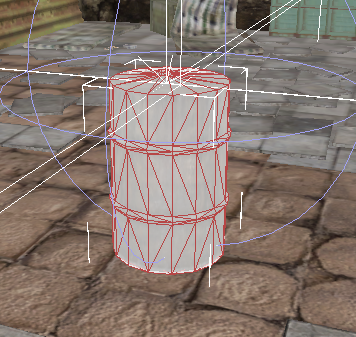
Before creating a group, you need to select the desired objects in their category. For example, if you put two Static Objects, they should be selected in their Scene Object category, the same for other types of objects.
In the Edit Mode window, select Group.
Open the Object Tools window. In it, click Commands -> Group.
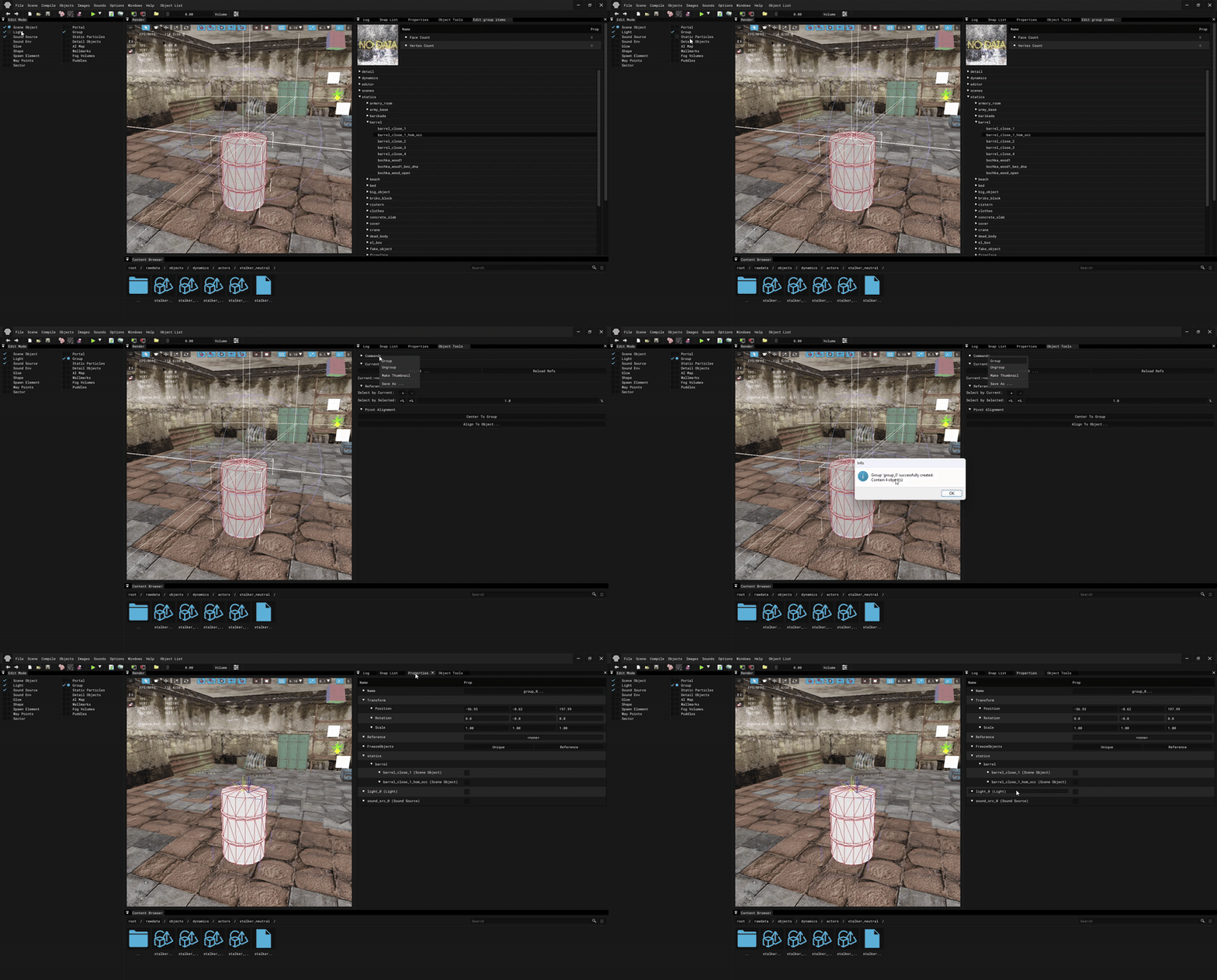
Here you can also setup the group (in the Properties and Object Tools windows), ungroup it or save it.
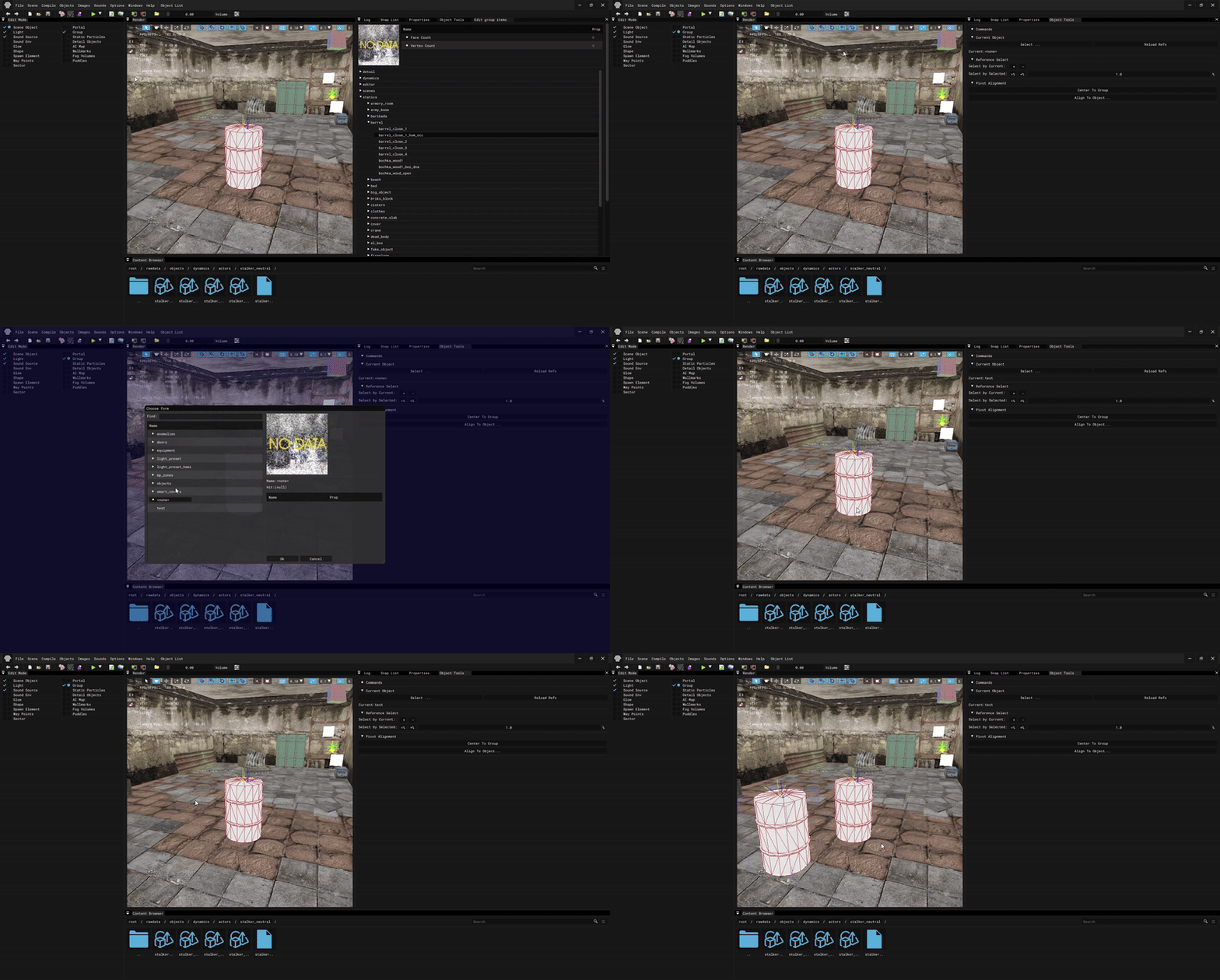
Placing group
To place an already prepared saved group on a level, select Group in the Edit Mode window, go to Object Tools in Current Object, click Select ... and select the desired group. Then in the Render window select Add Mode and add your group to the scene.