Creating and Preparing Textures
Related Videos
Beginning (Via Paint.net)
First, familiarize yourself with the supported texture compression (*.dds *_bump.dds *_bump#.dds )
Start
First we have to create a texture, or we have to download one. Next, we need to convert our texture into *.dds format. To do this, you can use any program of yours that can do such a thing. (or you can take a program from this list)
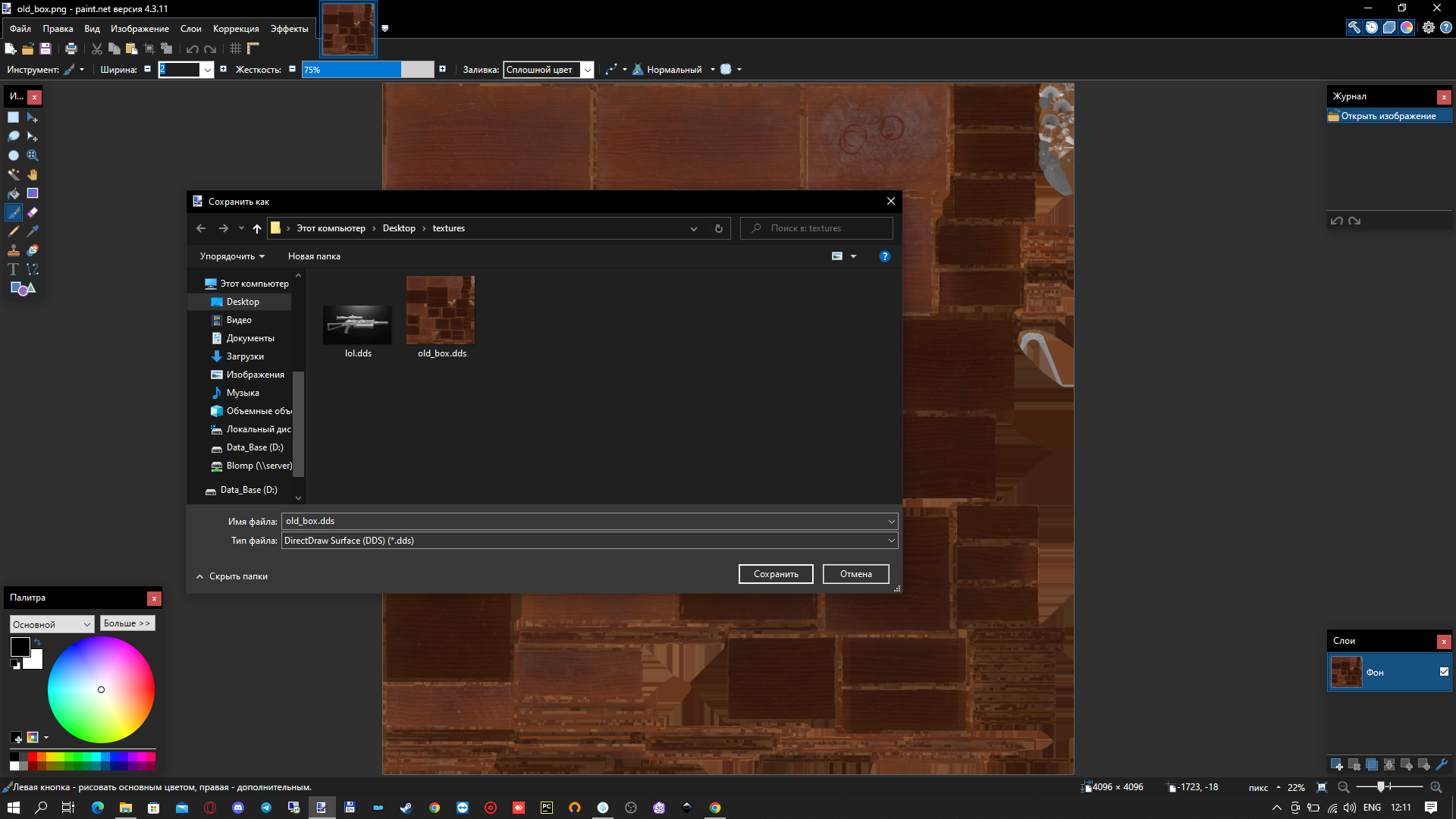
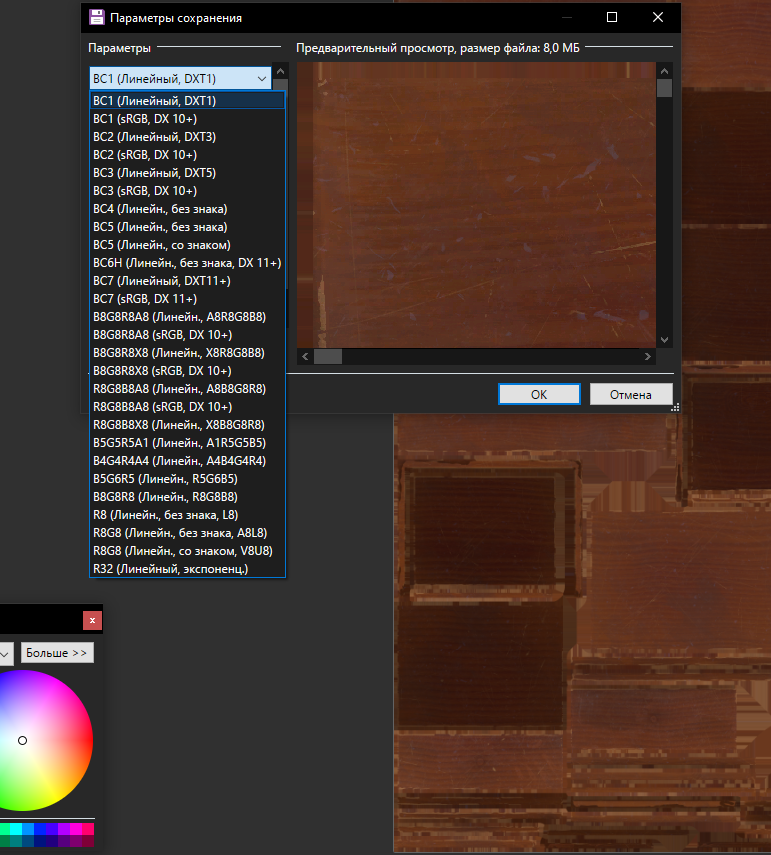
The most commonly used program for this is Paint.net. We download the texture and save it as *.dds . The Save Settings window appears.
We have to choose the texture compression that suits us.
Save our texture.