Creating HOM Occluder in Blender

Need to know
- How to work in Blender
- How to work with Blender X-Ray Addon
- What is a Static Object
- What is a Hierarchical Occluder Mesh
About
HOM occluders are essential for optimizing levels. They remove the geometry in the occluder.
Start
For the tutorial, the creation will be for Static Object, but HOM occluders can also be used for other purposes (e.g. for tall view bounders, hills, etc.). Let's take this as an example:
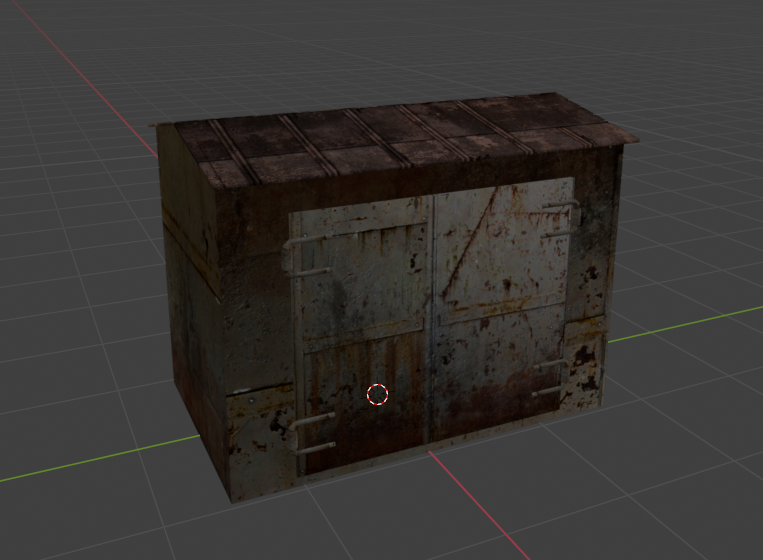
All we need to do is create a mesh that simplistically represents our model:
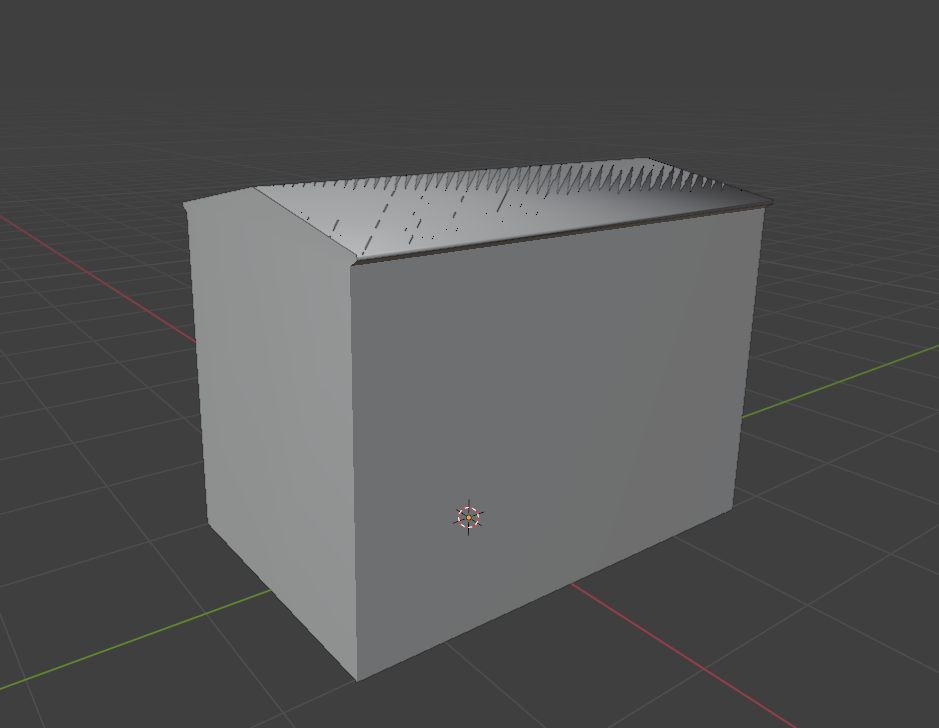
You can simply duplicate your model, but remember that the fewer polygons and the better HOM Occluder represents your model, the better.
Surface
Go to Material Properties .
.
Create a separate material for our HOM occluder.
In X-Ray Engine: Material choose:
Shader
Any Engine Shader for Static Object (list of all Engine Shaders )
Compiler
Any Compile Shader (list of all Compile Shaders )
Material
Any Game Material (Example materials/occ - This material does not include rendering parameters that are unnecessary for the calculation) (list of all Game Materials )
Finish
Go to Object Properties .
.
In X-Ray Engine: Object select HOM in the Type list.
This completes the setup of the HOM Occluder. You can safely export it in the model format you need.