Creating Ladder in Blender

Need to know
- How to work in Blender
- How to work with Blender X-Ray Addon
- What is a Static Object
- What is a Game Material
About
Creating a ladder with climbing ability in Blender.
Start
Example 1
Let's create a ladder that can only be climbed from one side.
Here is an example of my ladder model.
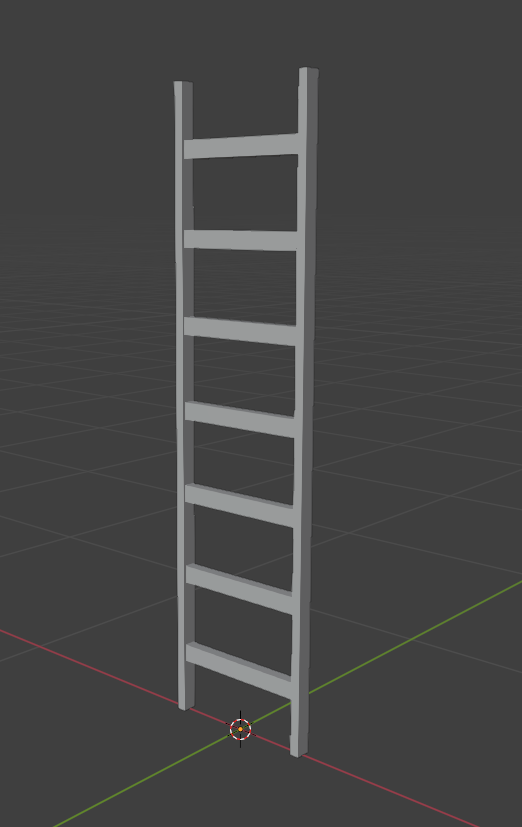
All we need to do is add a plane to the entire area where the climbing possibility will be available.
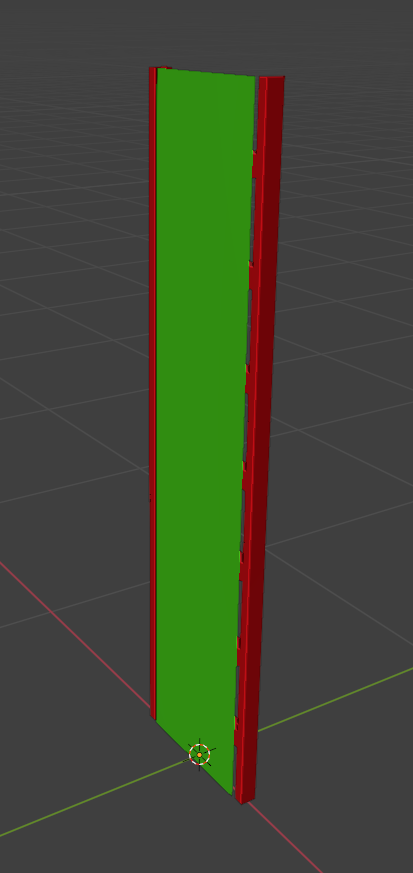
Green color is the plane on which the player can climb.
Red - ladder model
Surface
Go to Material Properties .
.
Create a separate material for our plane.
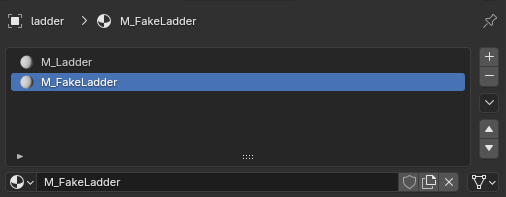
In X-Ray Engine: Material for plane (fake ladder) choose:
Shader
Choose any Engine Shader for Static Object. (list of all Engine Shaders )
Compiler
Any Compile Shader. (list of all Compile Shaders )
Material
Select a suitable Game Material that has the Climable flag checked. Example materials/fake_ladder. (list of all Game Materials )
Example 2
If your ladder doesn't have a border where you can climb. For example, a ladder like this.
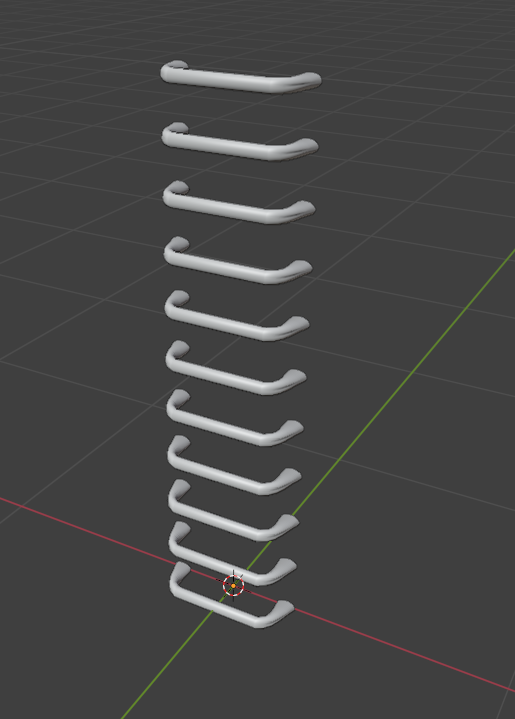
Then assign to ladder material the Game Material where the Climable flag is enabled (materials/fake_ladder as example).
Finish
Go to Object Properties .
.
In X-Ray Engine: Object select Static in the Type list.